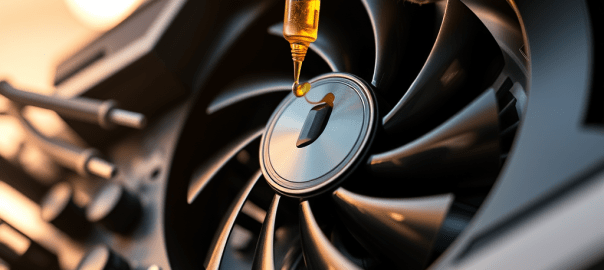
If you have an old GPU and you have noticed it is creating more noise now than when it was first installed, it may be because the bearing is no longer sufficiently lubricated.
A new fan off EBay, or new to you, might not be a sound investment. This is true assuming you can even find a replacement. Luckily most GPU fans can be serviced.
To Lubricate the Fan Bearing:
Remove the GPU from your computer.
Spin the fan manually. If it is not mostly silent, then there is a problem with the bearing. More than likely, there is just insufficient lubricant.
Carefully peel back the sticker on the top of the fan to expose the bearing. If access to the bearing is not provided on the top of the fan, then remove the fan from the GPU housing. Peel back the sticker on the back of the fan. If you see a yellowish mark on the inside of the sticker where the bearing is, this confirms the lubricant has leaked somewhat. If access to the bearing is not provided at the bottom of the fan either then very carefully try to remove the blade.
Once the bearing is exposed apply a small drop of light machine oil or sewing machine oil to the bearing. Singer oil is a good choice.
Rotate the fan manually to work the oil into the bearing.
Replace the sticker or use a small piece of tape to cover the bearing.
Before reinstalling the GPU, you might consider also applying fresh thermal paste to the GPU processor. This will help keep temperatures down, giving the fan less work to do.
 Tidbytez