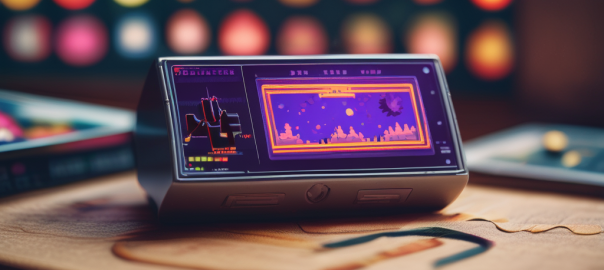
One of the best ways to play PICO-8 games on a Retroid Pocket is via the Retroarch core retro8.
However you may run into the problem of only PICO-8 cart images being displayed rather than Retroarch launching the actual game.
You can solve this problem by doing the following:
Retroarch Settings > User Interface > File Browser > Use Built-In Image Viewer and set it on “No”. This way the image viewer will not get in the way, misinterpreting a PICO-8 cart as just a png file.
Happy Gaming!
 Tidbytez