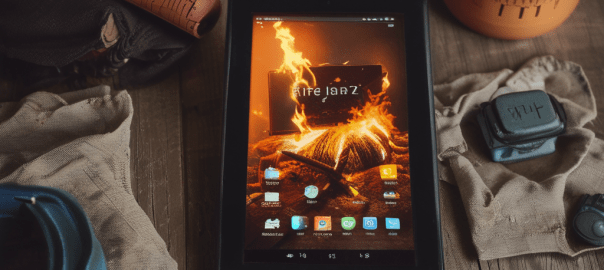
Amazon’s Fire tablets may not provide a complete Android experience, but they can still satisfy most user’s basic needs. They are priced very affordably, but this comes at the cost of locked bootloaders, no Google Play certification, and a heavily customized skin (Amazon’s Fire OS) that is often based on older Android versions and is, let’s face it, horrible to use. However, the aftermarket development community has managed to overcome most of these limitations with the Fire Toolbox.
See link below:
However the typical means of de-amazonification is not fully functional on the HD 8 Tablet.
Some important features still work like:
Remove lock screen ads
Block OTA updates
Debloating Apps
However setting a third-party launcher app as the default launcher has become buggy. The most popular choice, Apex, will likely not work. The launcher Lawnchair seems to work without and problems though. It’s a very basic launcher but totally serviceable.
Most importantly thought, as of now July 2023, the feature to install the Google Play store and Google Services does not work.
This means apps like YouTube, even if you side load them, will not work. Perhaps a suitable workaround for this, if you are concerned about your data privacy, is to install Firefox open YouTube as a webpage and then go to settings and choose “Install”. This will create a shortcut on your Home Screen that looks and functions like an app.
To install apps without the Play store you can install alternatives like the F-Droid store, Aurora store (only use a disposable Gmail account) or use APKMirrror. (Use all suggested alternatives at your own risk)
All of the above is less than ideal though so if you were thinking about picking up a cheap Fire Tablet on Prime day with the expectation it can be totally de-amazoned with a few clicks of a mouse, maybe give it a miss and pay a few extra bucks for something else instead.
 Tidbytez